Makey Makey
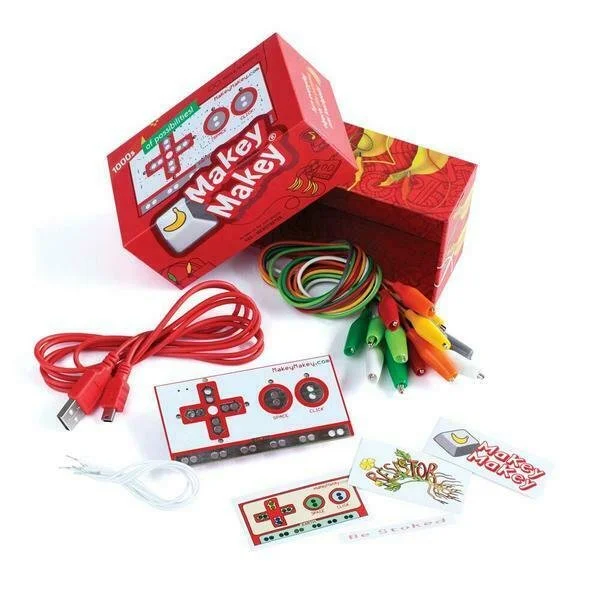
Makey Makey is a electric controller that allows different conductive material to be used as the button
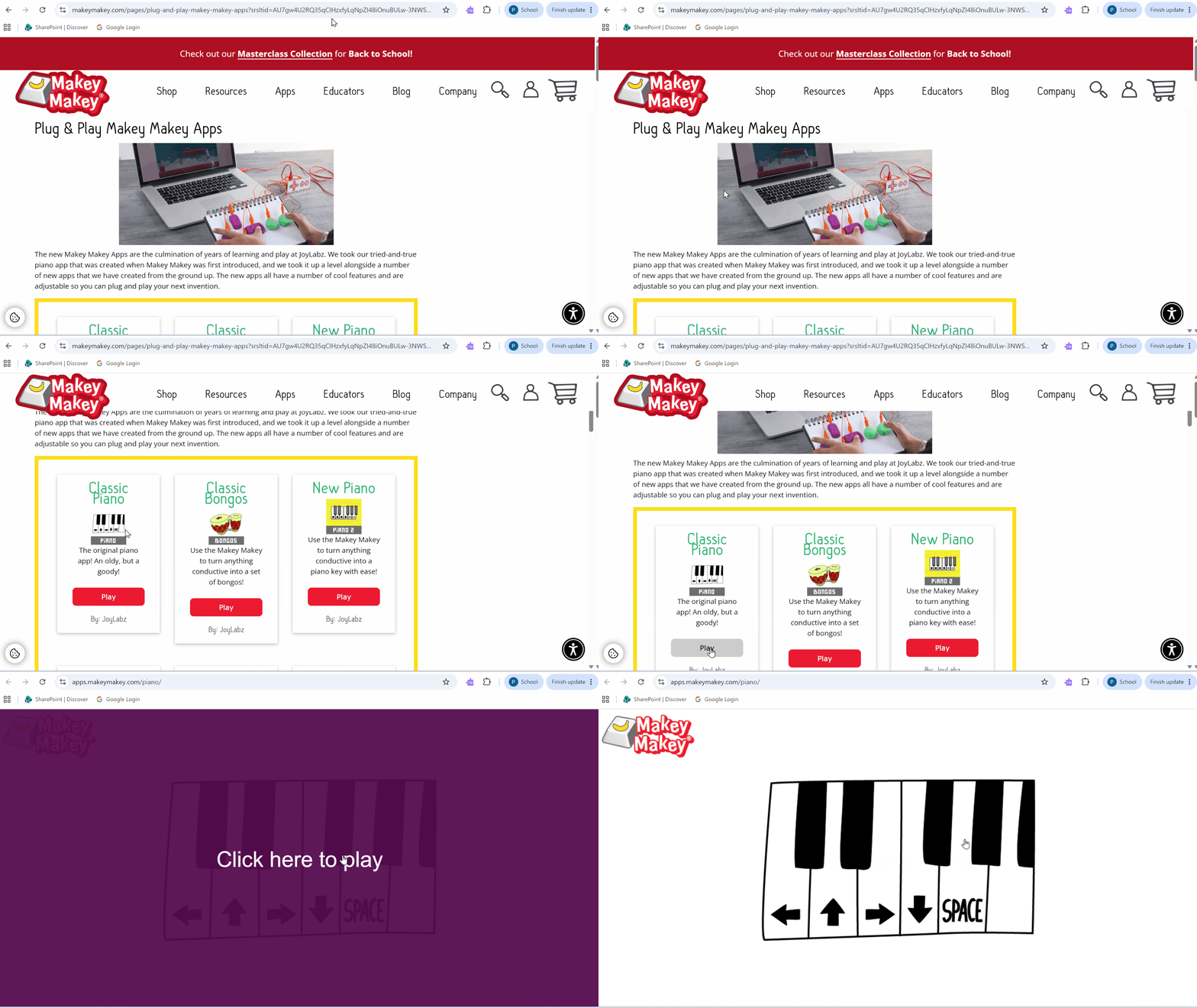
Open the following link to access Makey Makey apps, let’s try the app labelled ‘Classic Piano’
Plug the small end of the USB into the top of the Makey Makey
Plug the large end of USB into a laptop
The Makey Makey should light up an LED on its backside to indicate that it has power


Using the alligator clips attach two clips to the board:
One clip attaches to the metal strip named ‘Earth’ — this is technically know as ground
One clip attaches to any other metal section (ex. left arrow, space, click, etc.)
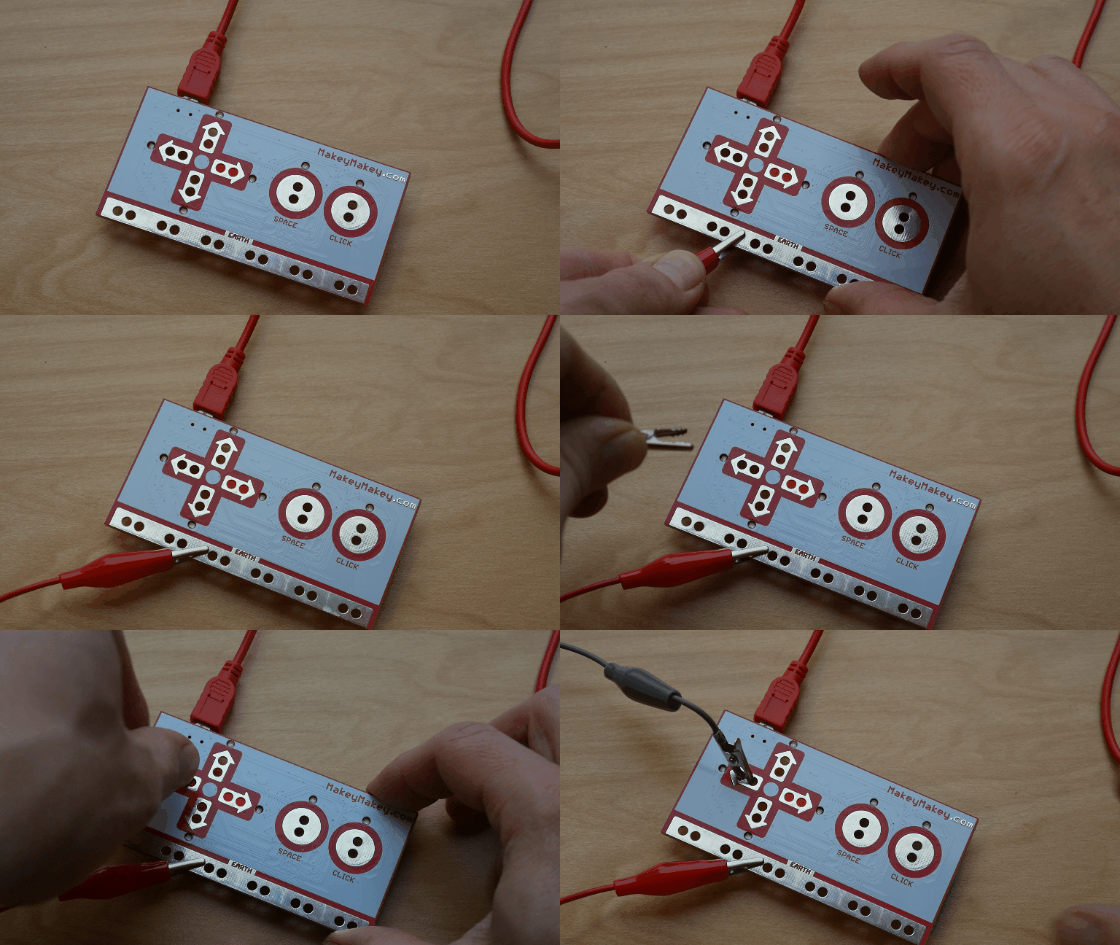
Contacting the other ends of the alligator clips will close the loop and produce an output — the LED under ‘output’ should light up on contact
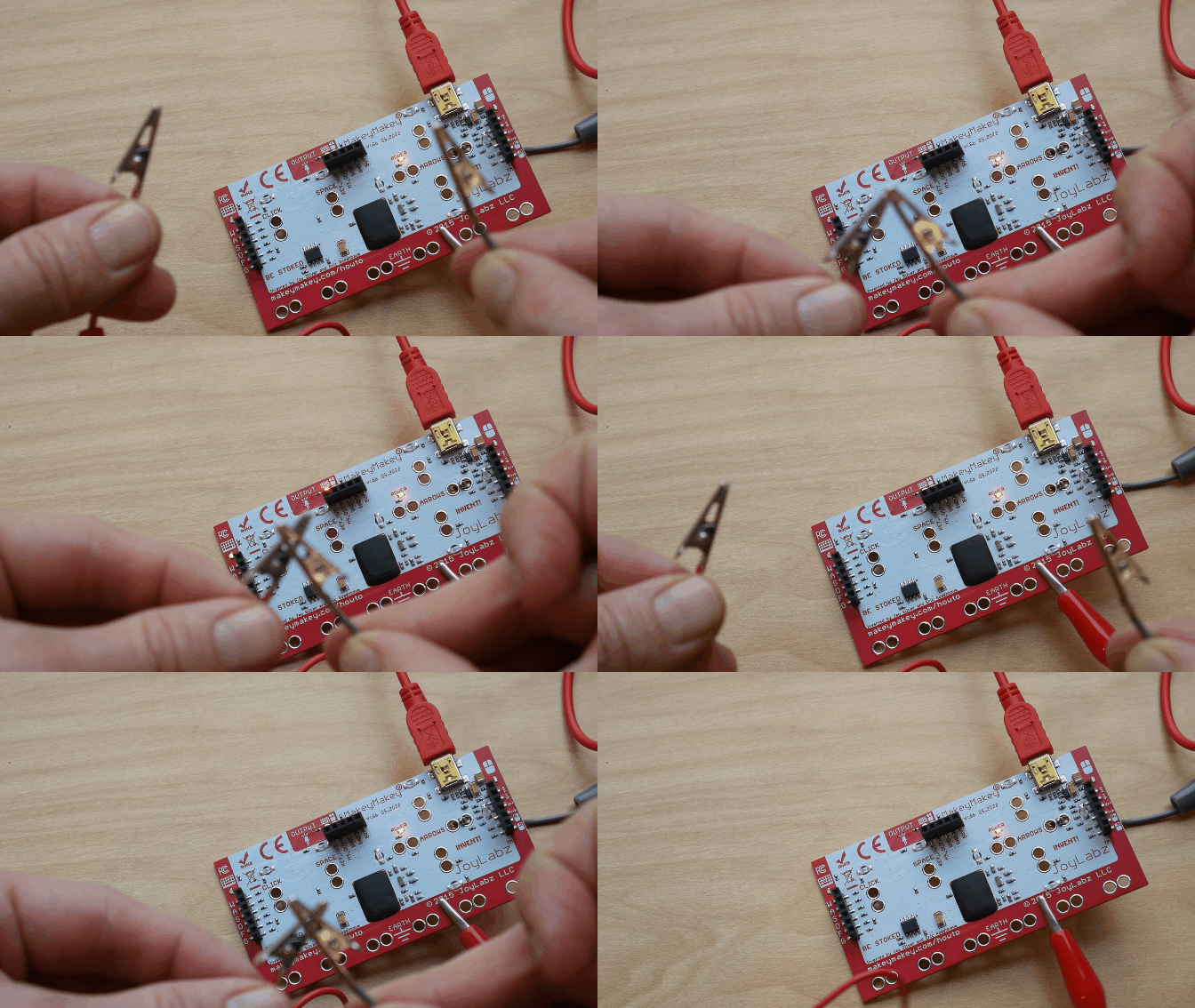
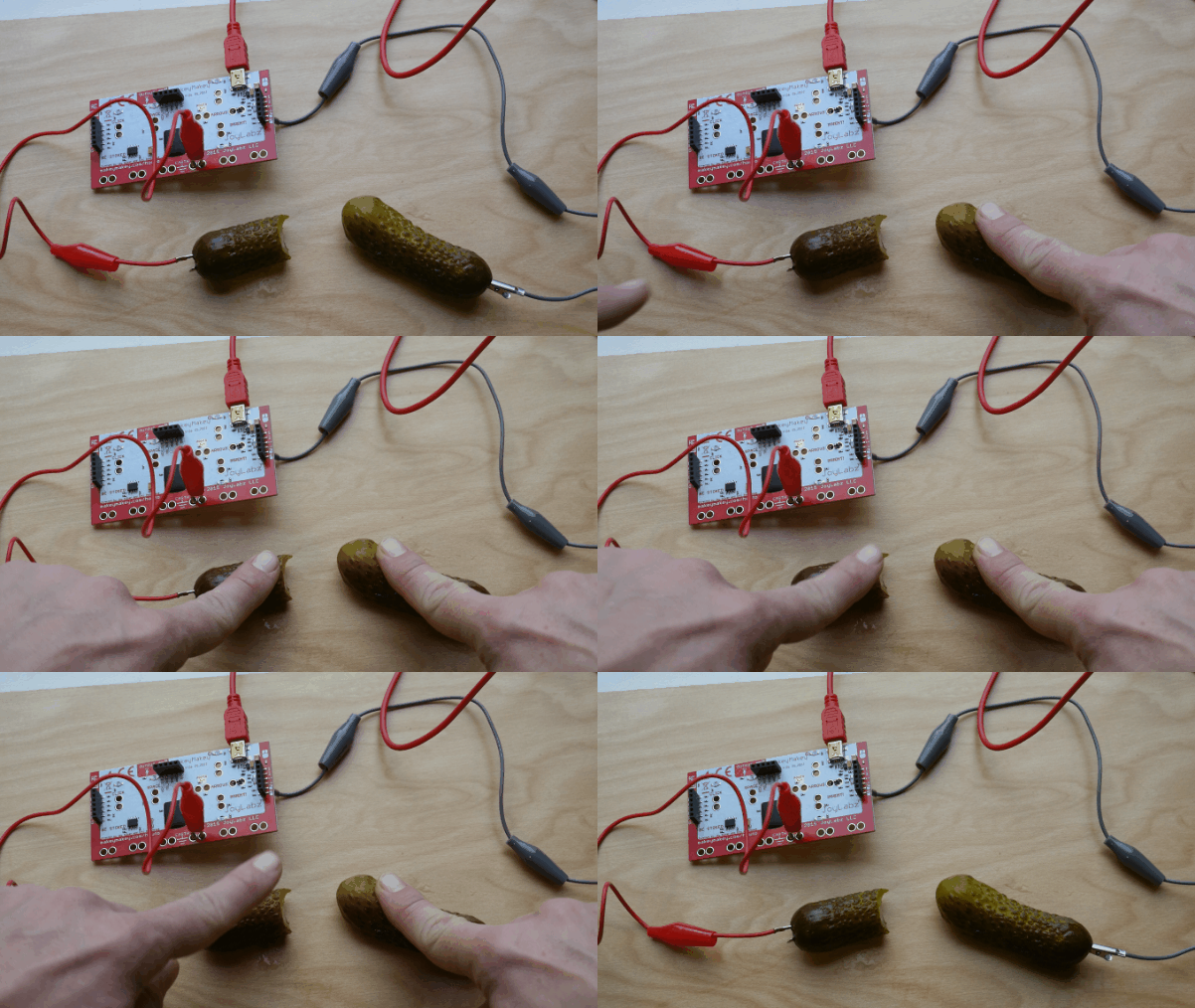
Attach the alligator clip ends to anything conductive to create the physical ‘buttons’
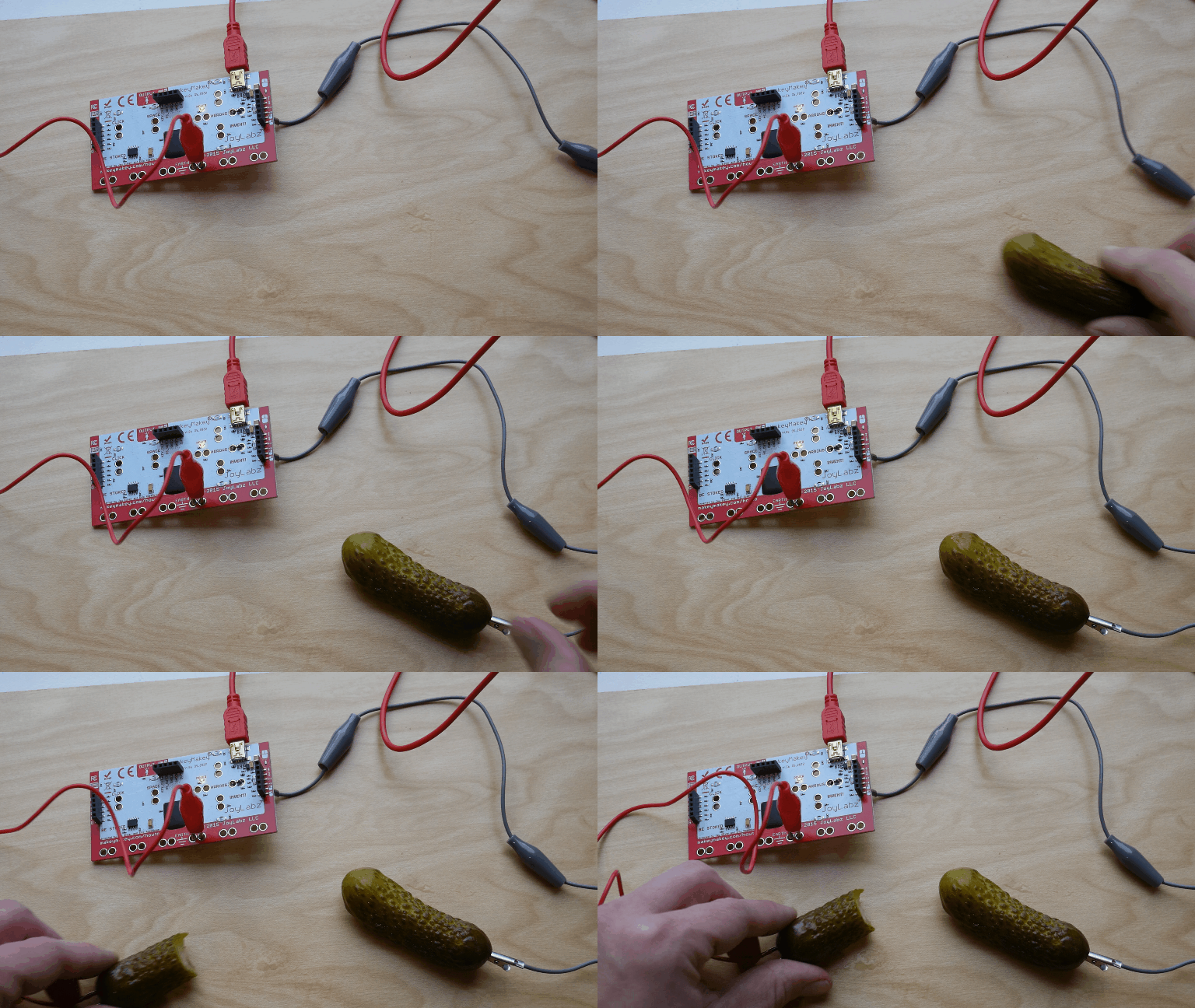
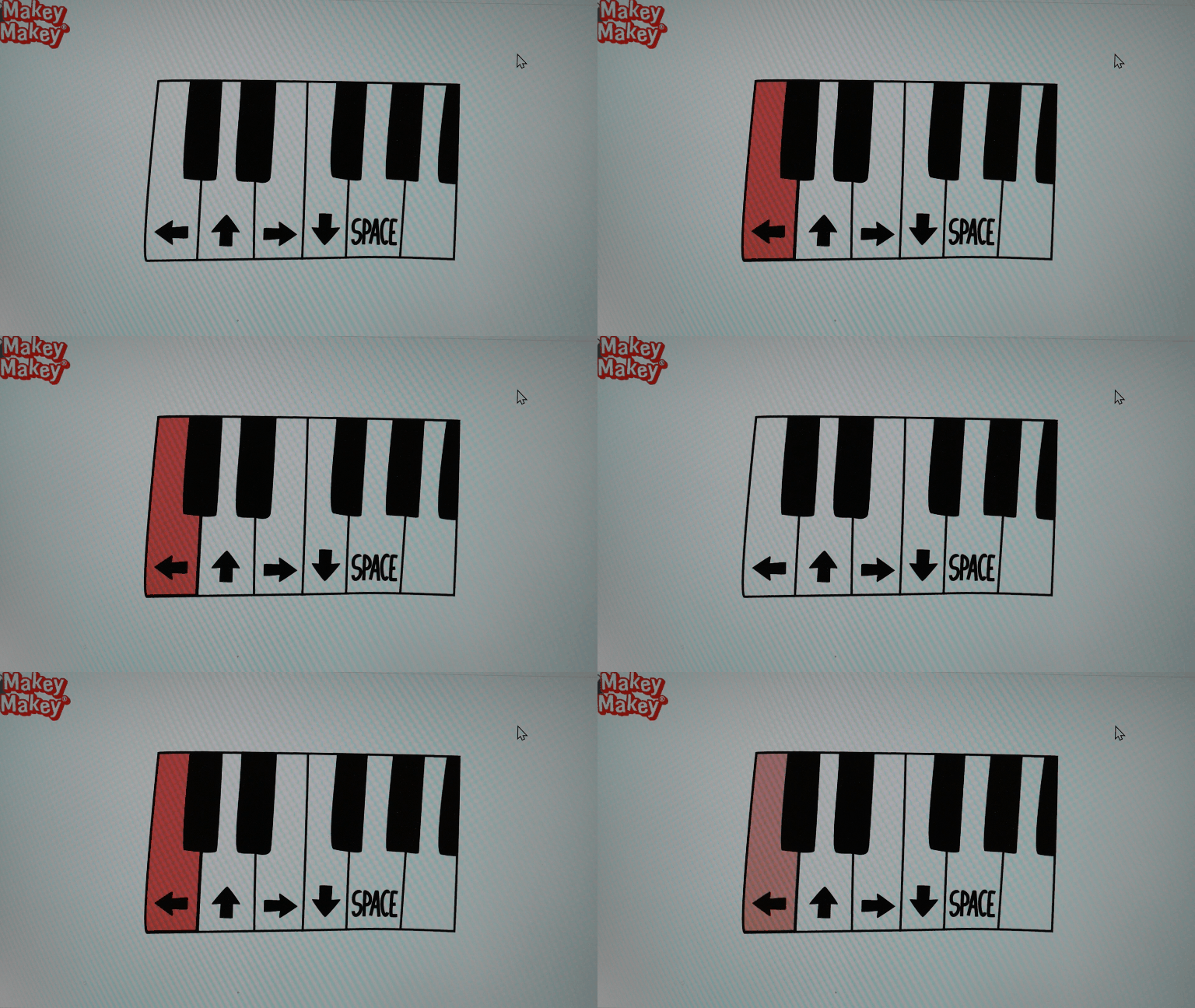
By contacting both buttons the Makey Makey will send a signal to the Makey Makey online piano player
Nice pickle piano!
Remember that multiple alligator clips can be attached to the Makey Makey as long as one of the clips connected to ‘Earth’ or ground