Botley 2.0
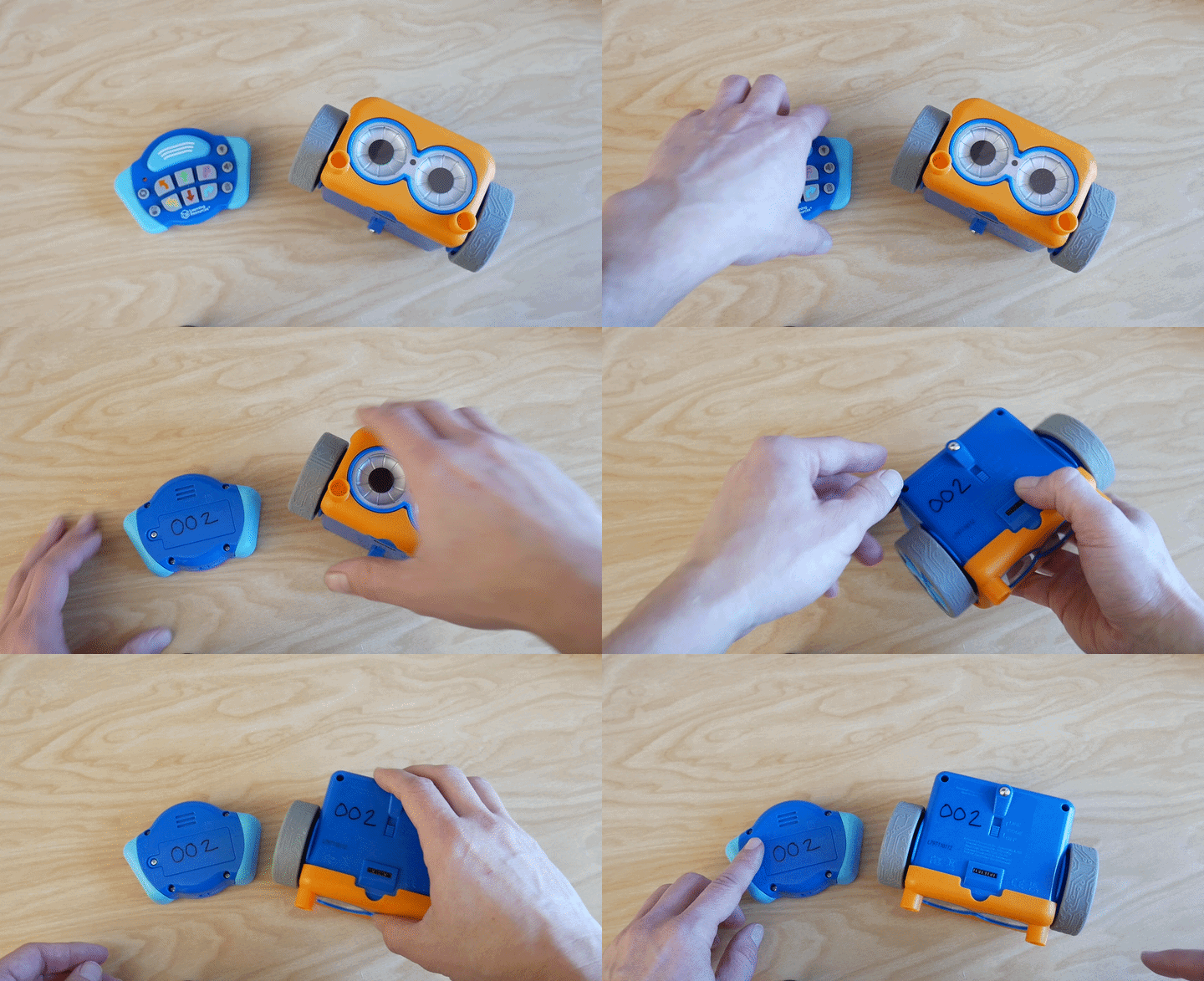
Make sure your Botley robot is using a controller which corresponds to it.
Make sure the numbers on the controller and Botley robot match up
Remove the previous program from the Botley Robot
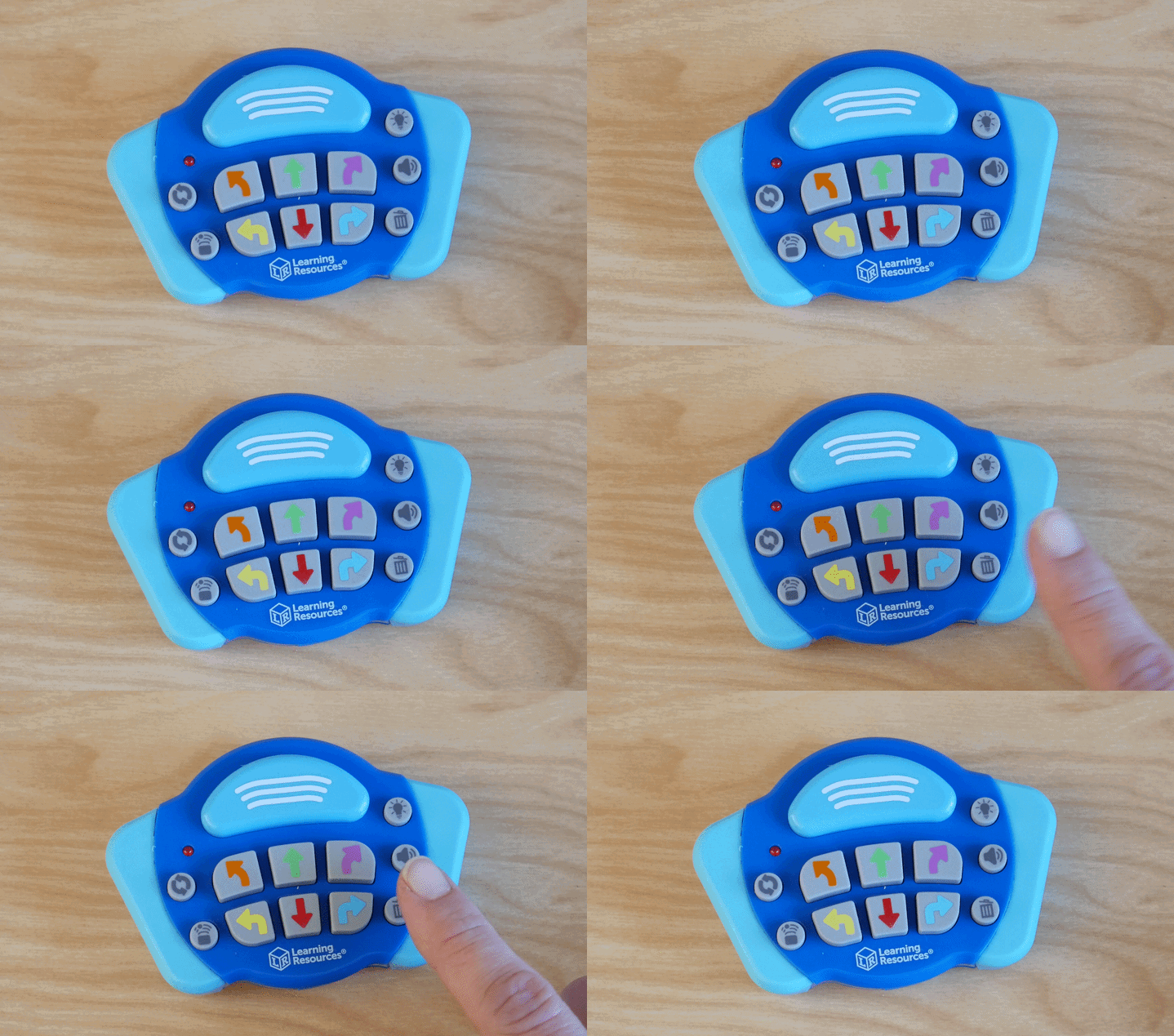
Press the trash can button
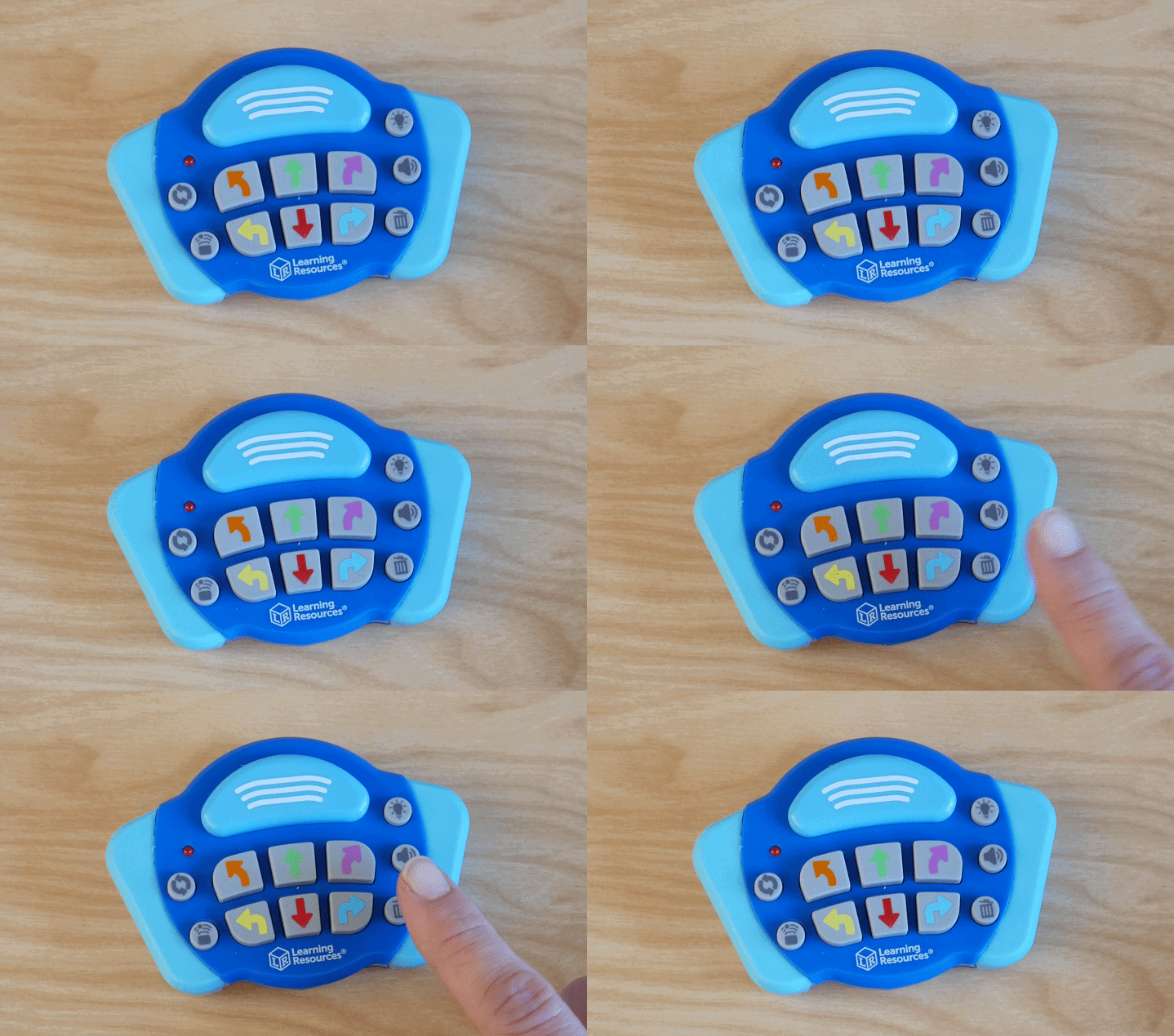
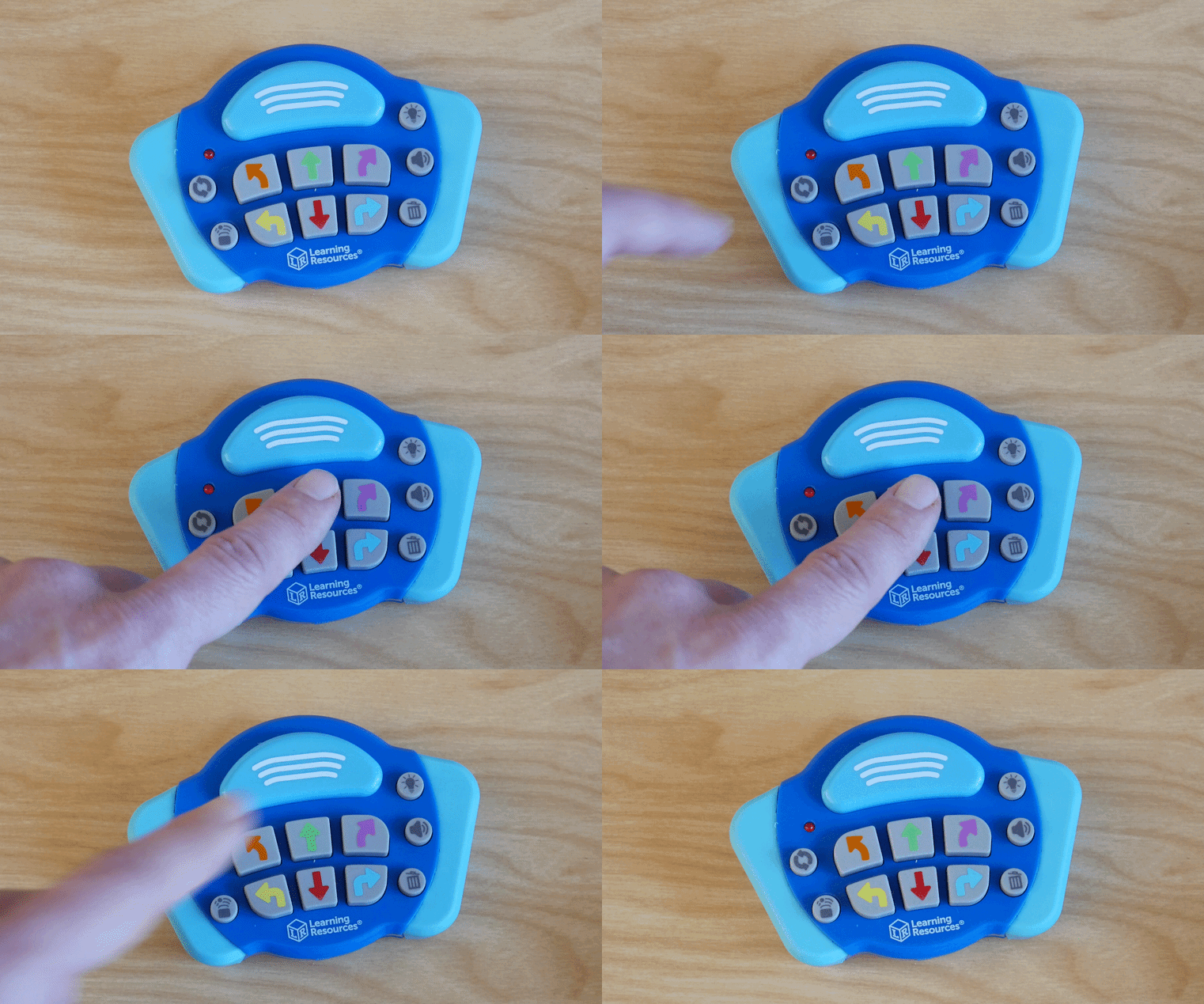
Start with a simple step!
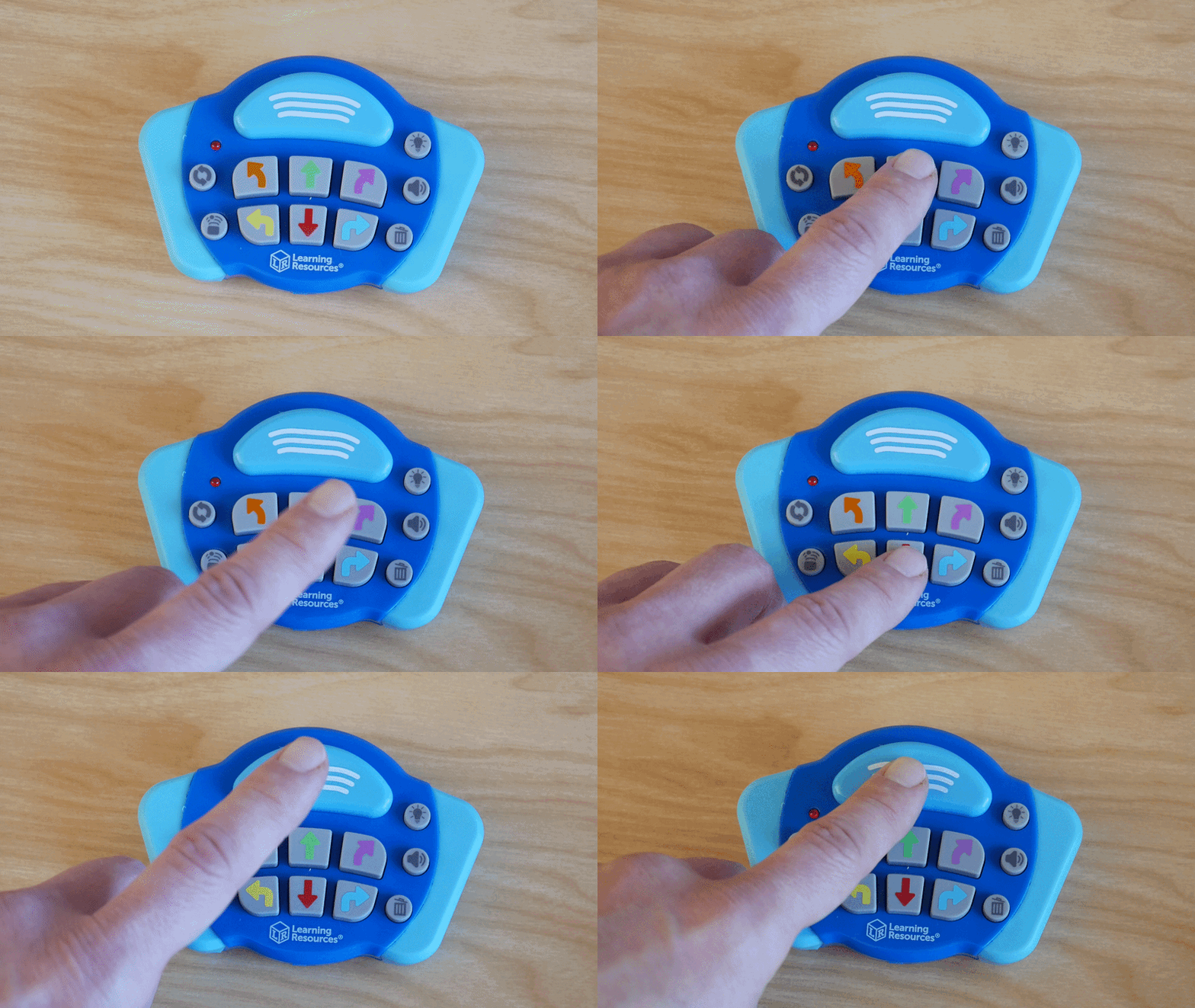
Press the step forward button
Then press the send button at the top
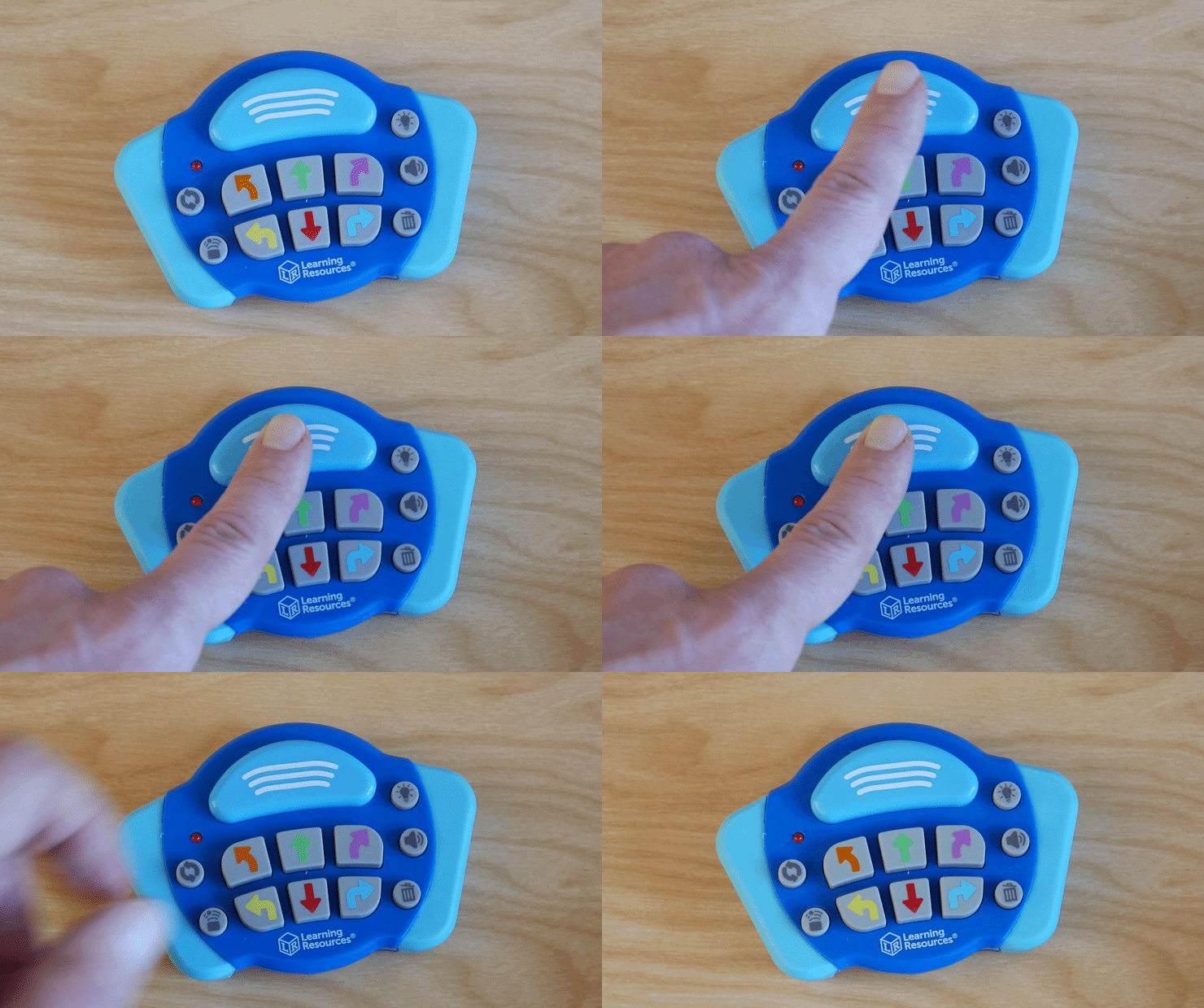
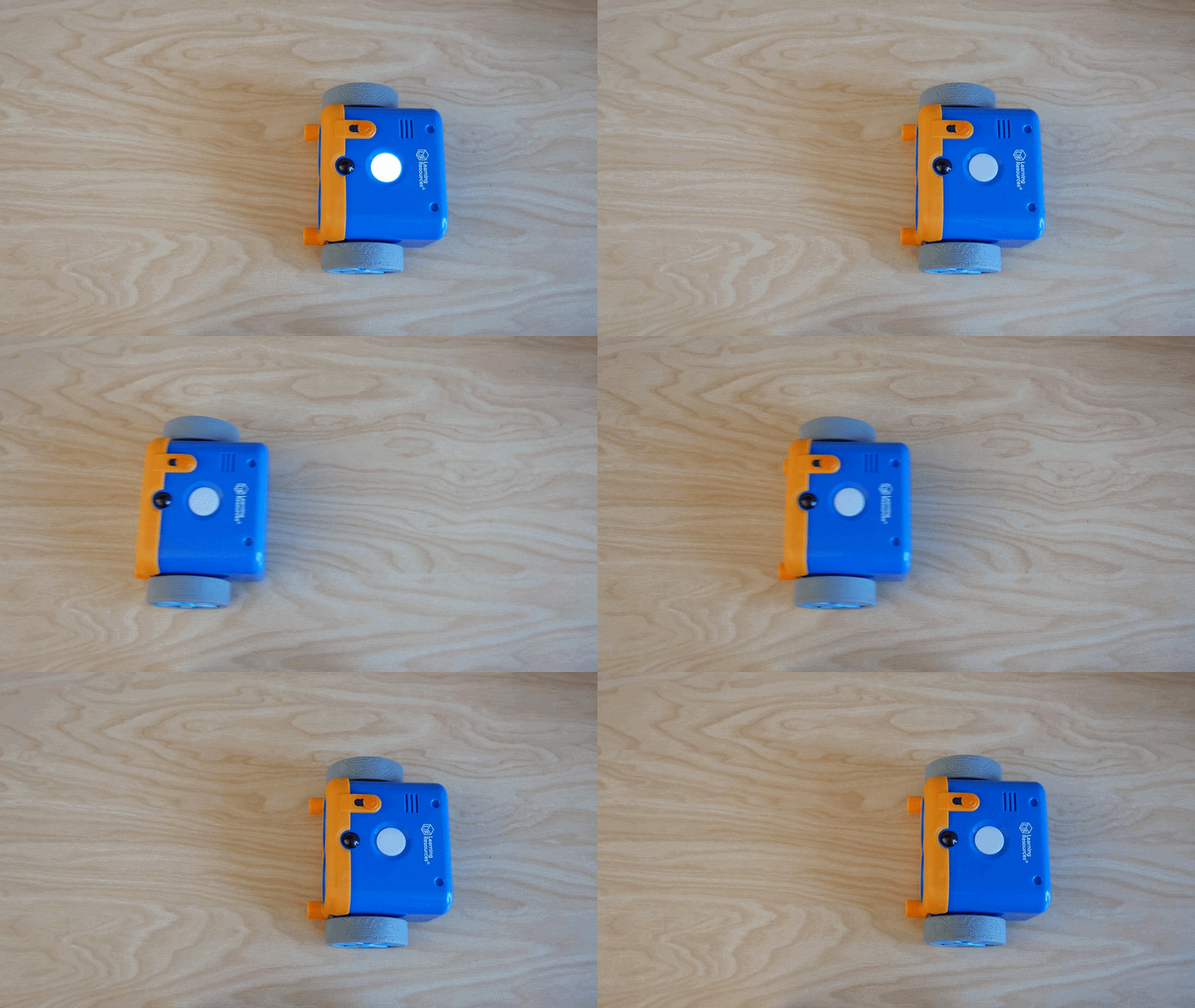
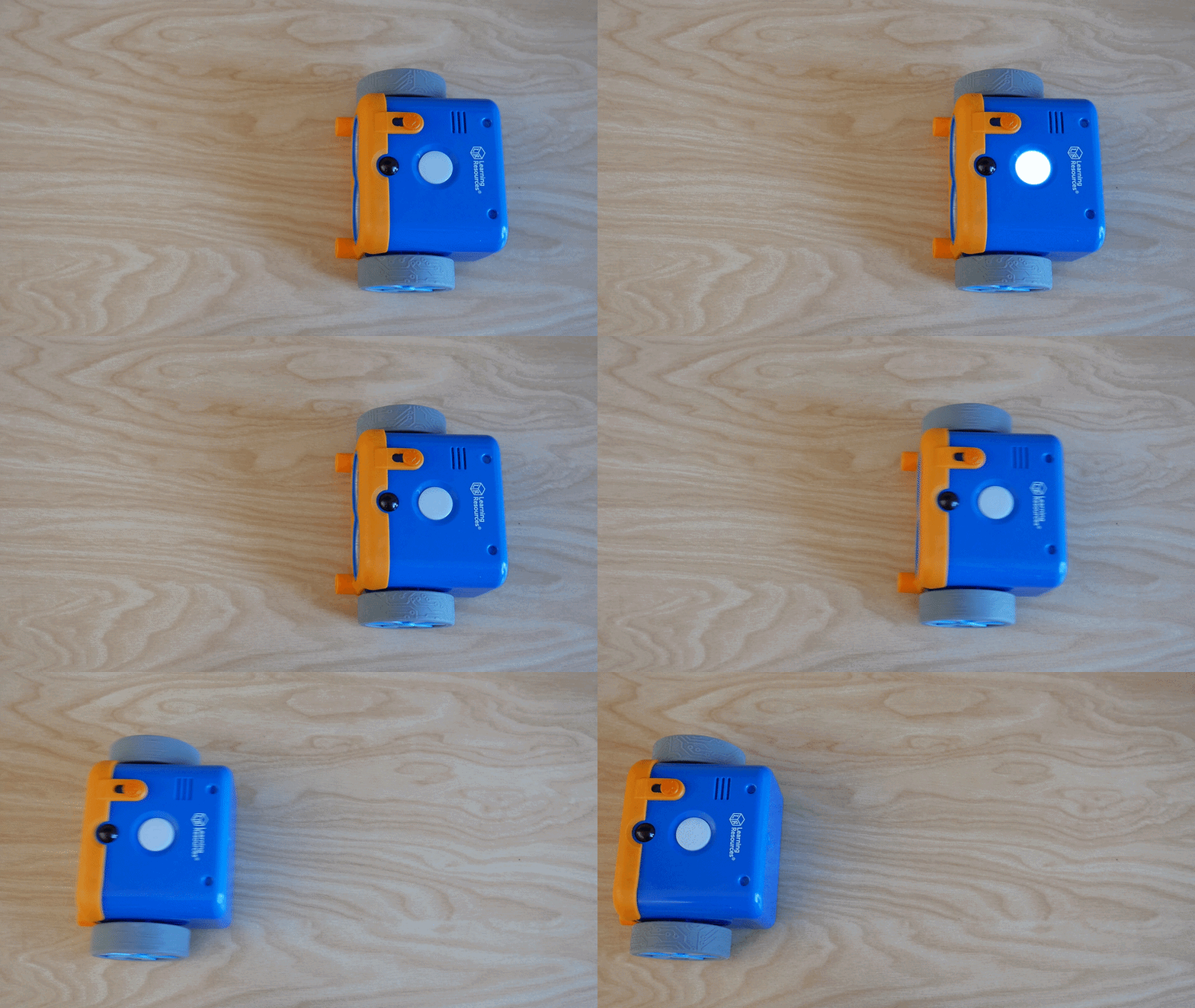
After pushing the send button the Botley Robot will light up twice on top, and execute the saved program
Try another program!
Press the trash bin to remove the previous program
Program the robot to move forward and back by pressing the forward button, then the back button
Press the send button
Viola!