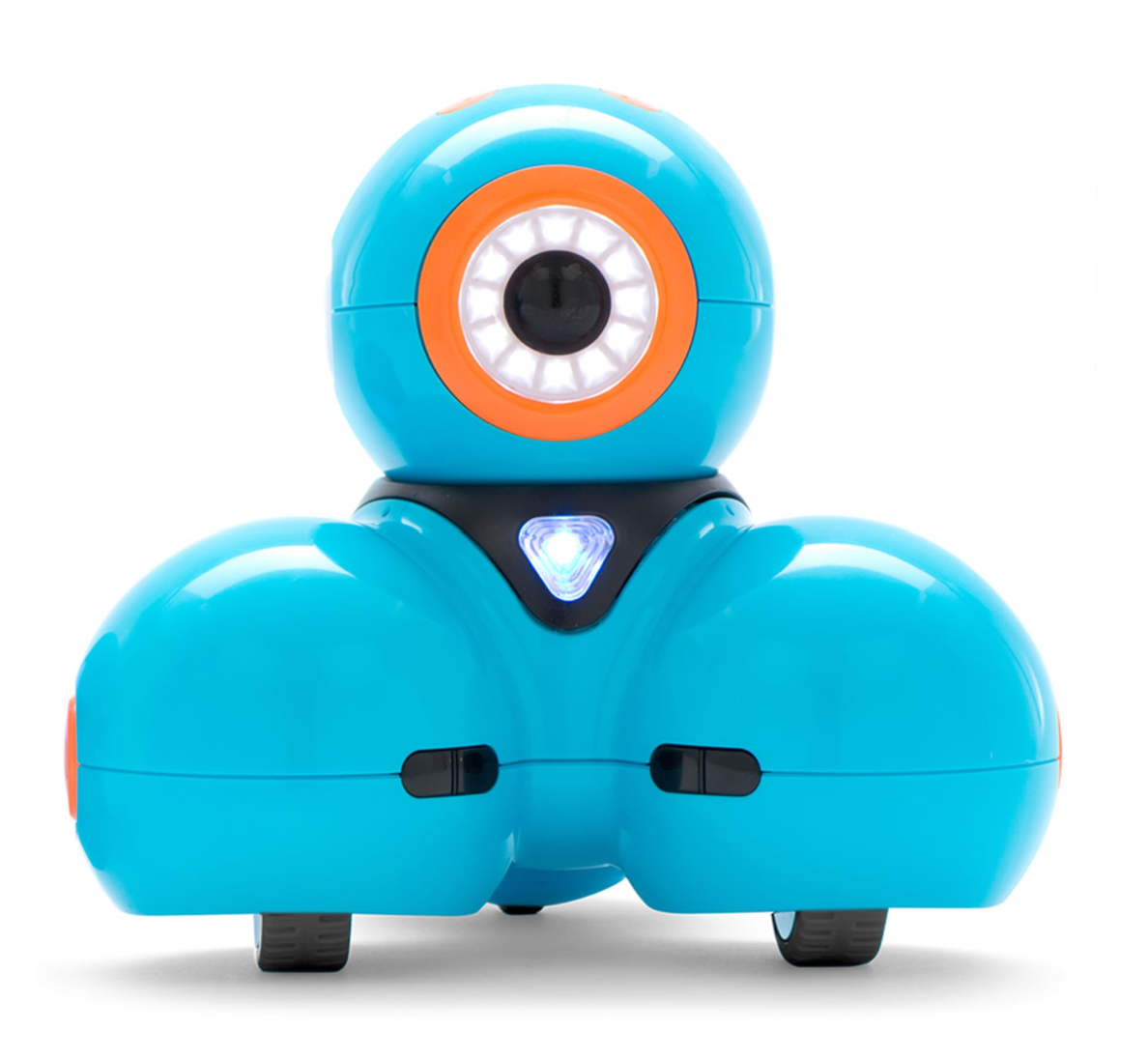
Dash Robots
Dash Robots are small programmable robots with some personality, they can:
Follow a specific path
Create noises and sounds
Respond to noises and sounds
Responding to other objects and obstacles
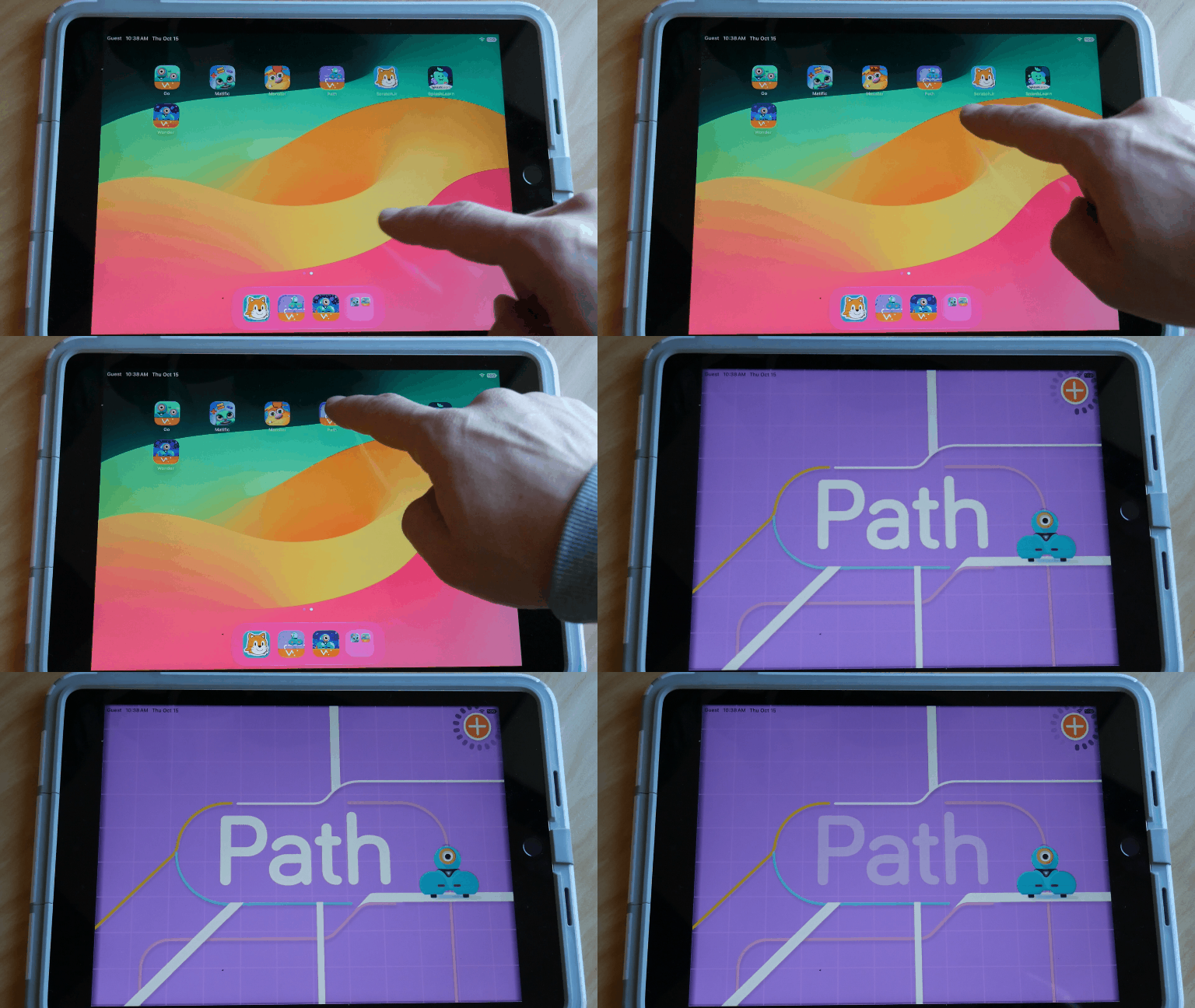
Log into an ipad, find and click on the app labelled ‘Path’
Make sure the Dash Robot is turned on, the power button is on the side of the Dash Robot
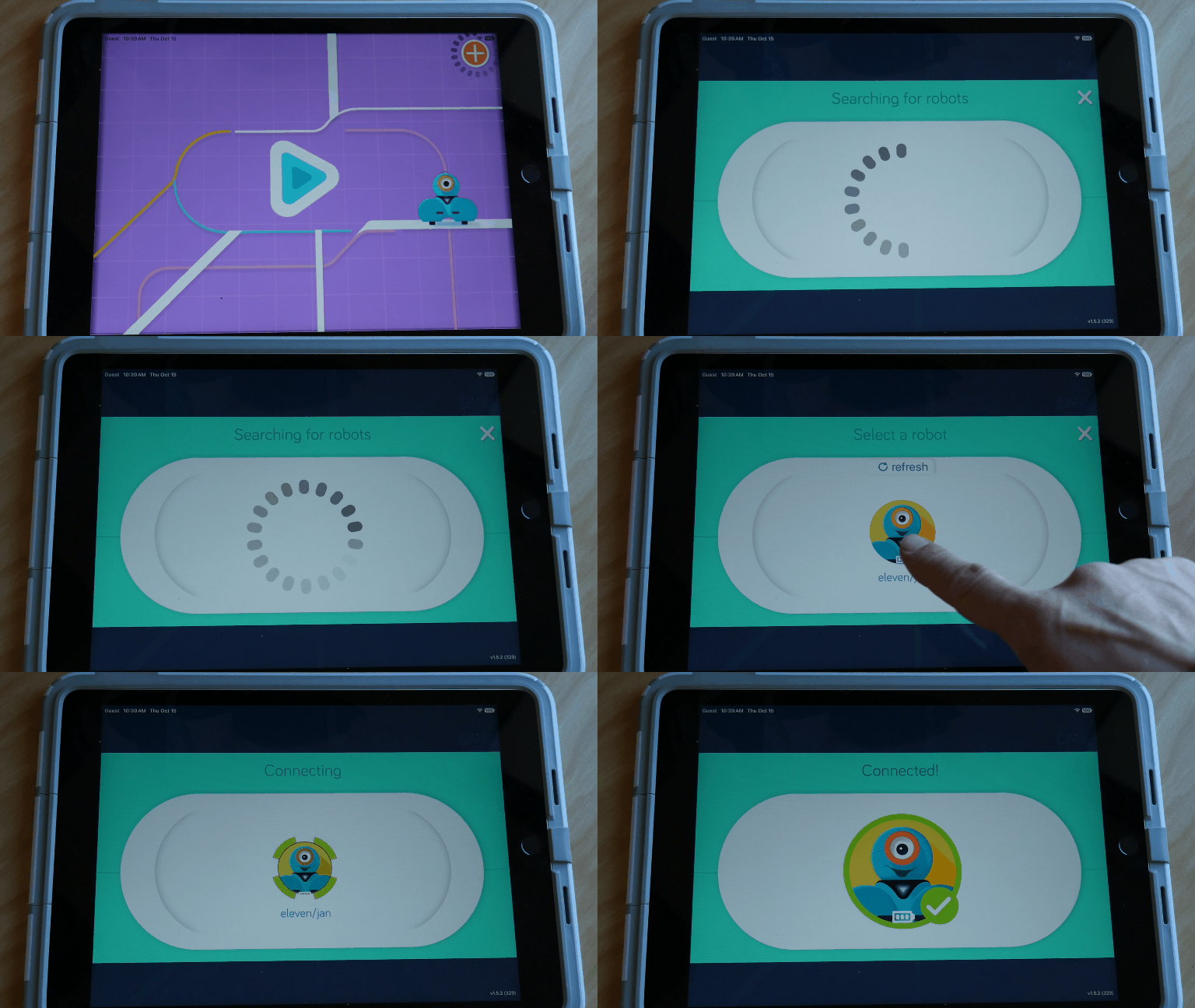
In the Path app press on the ‘+’ sign in the top right hand corner to pair the Ipad with the Dash Robot
Hint: make sure the Bluetooth is enabled on the Ipad
Hint #2: Make sure to pair Dash Robots and Ipads away from one another as not to confuse the bluetooth
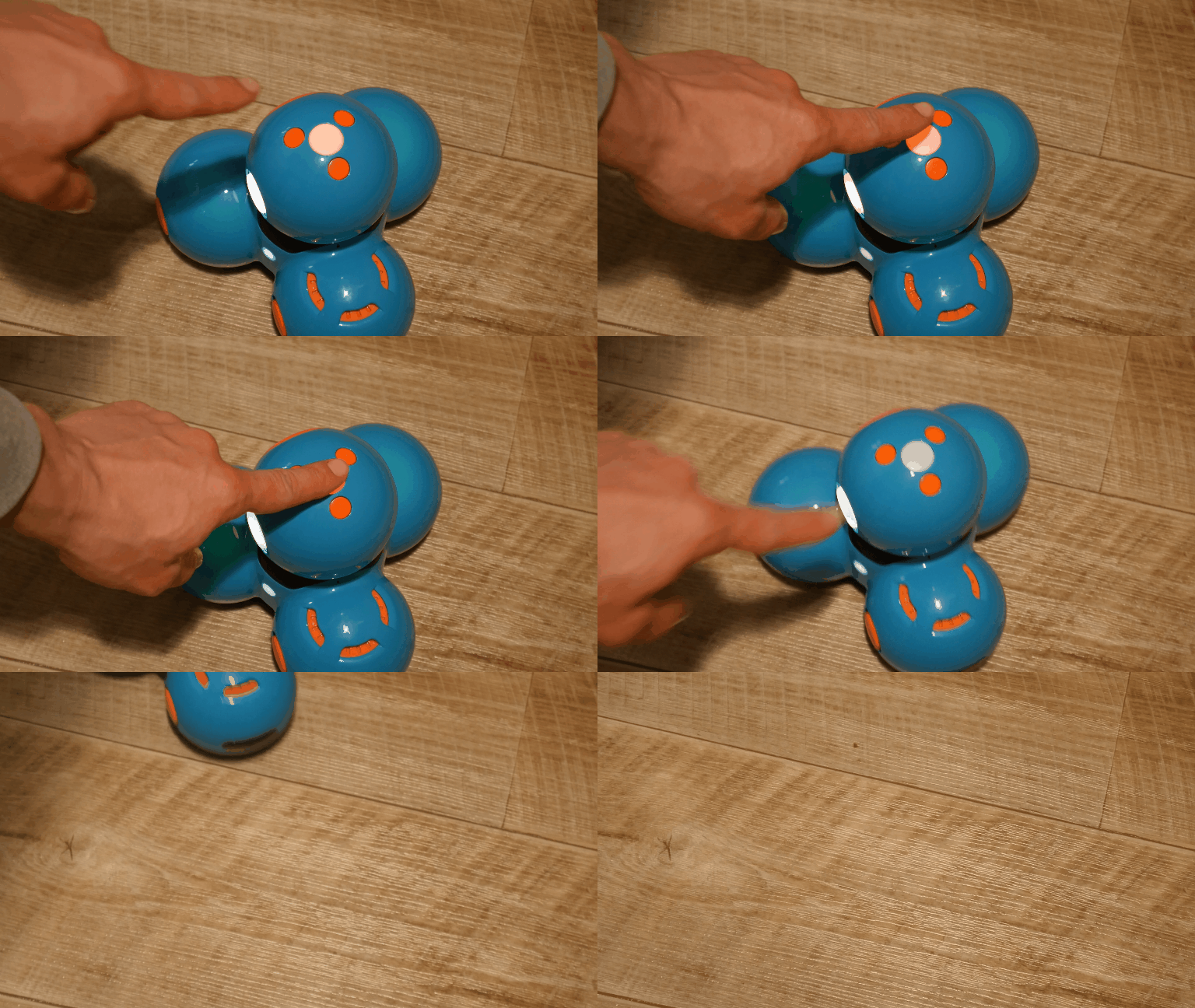
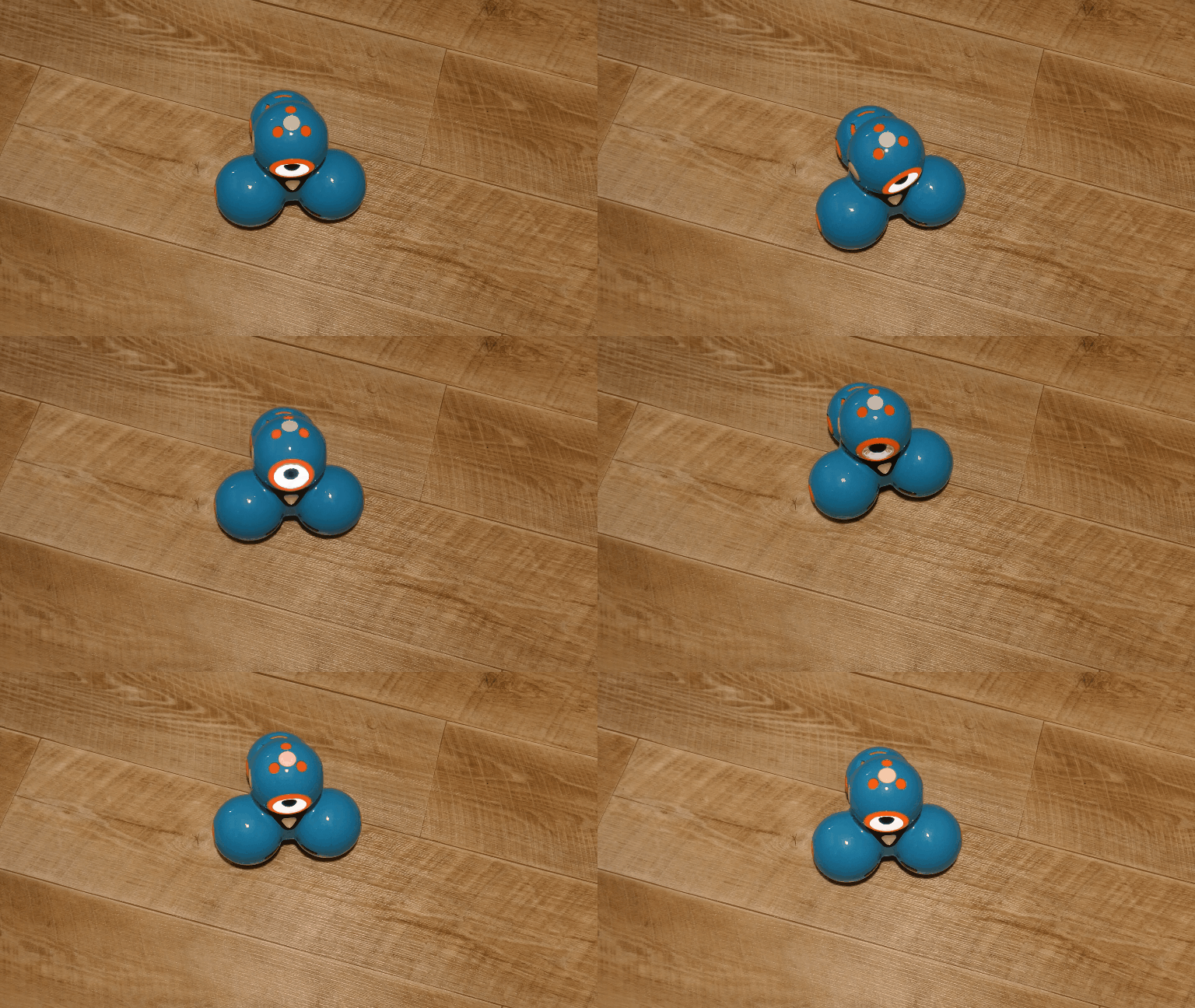
Press the red blinking light on the top of the Dash Robot
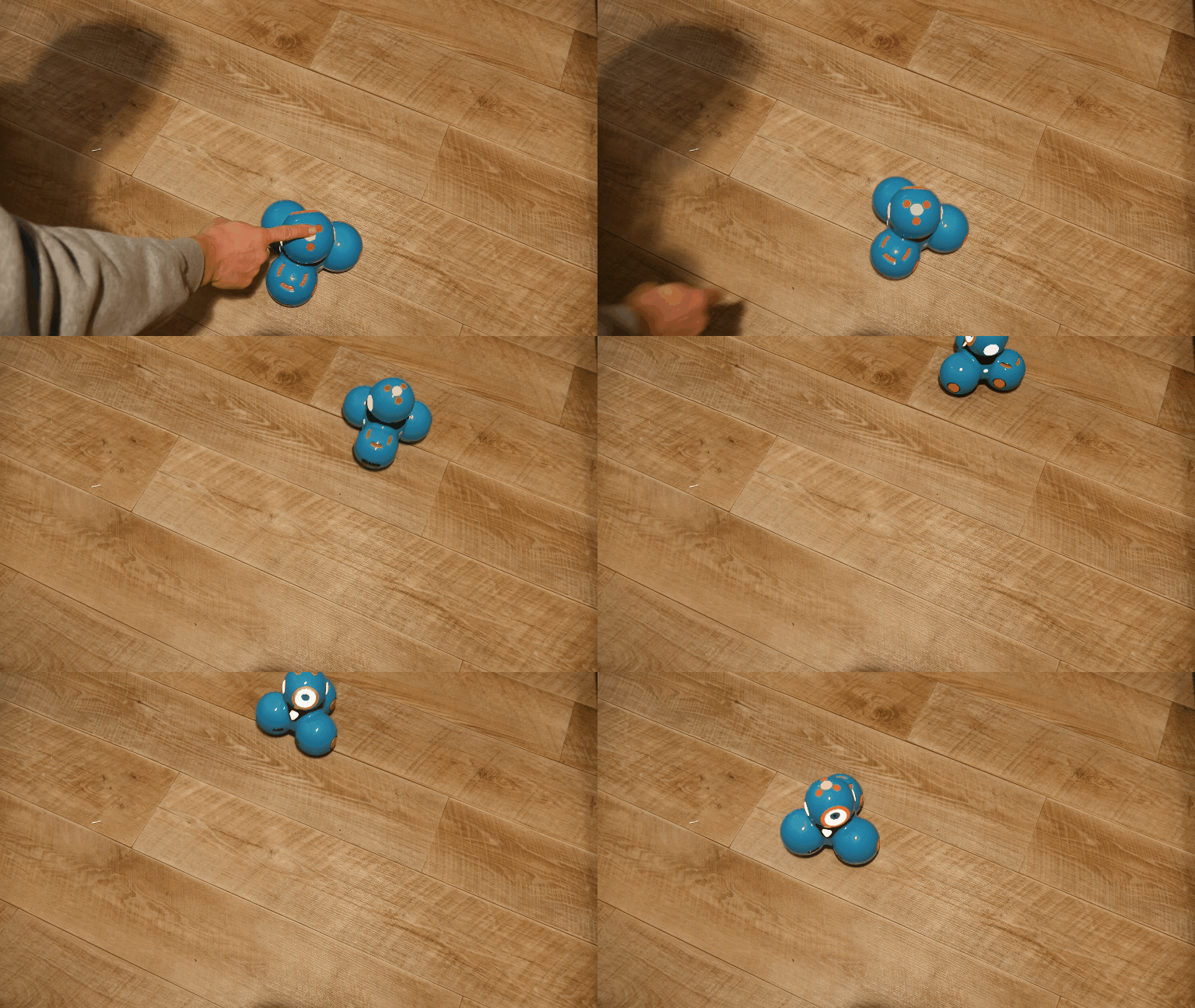
Pressto! The Dash Robot will follow the programmed path
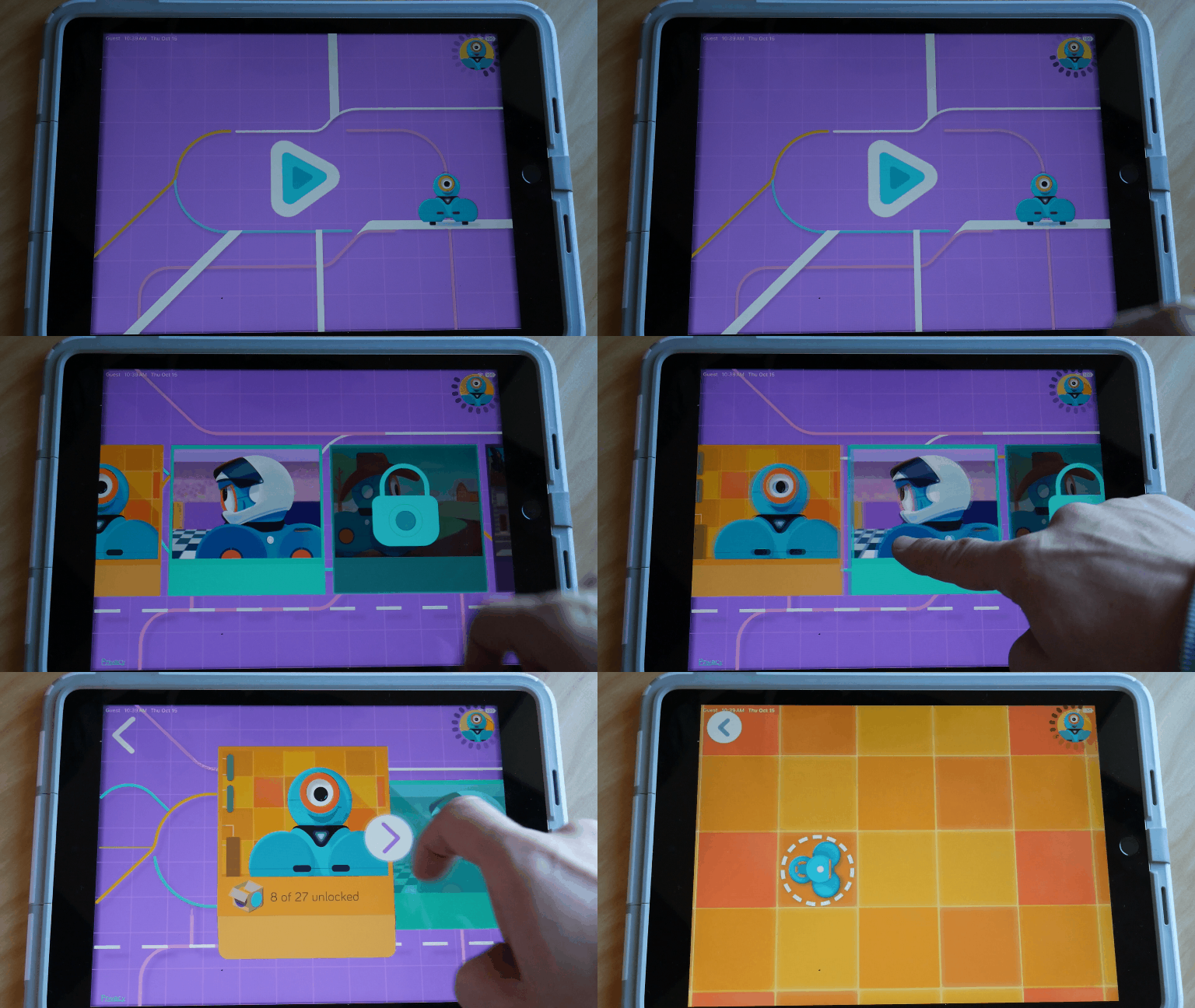
In the Path app press on play icon and scroll to the picture with Dash - click on it
This will open the programming Path environment
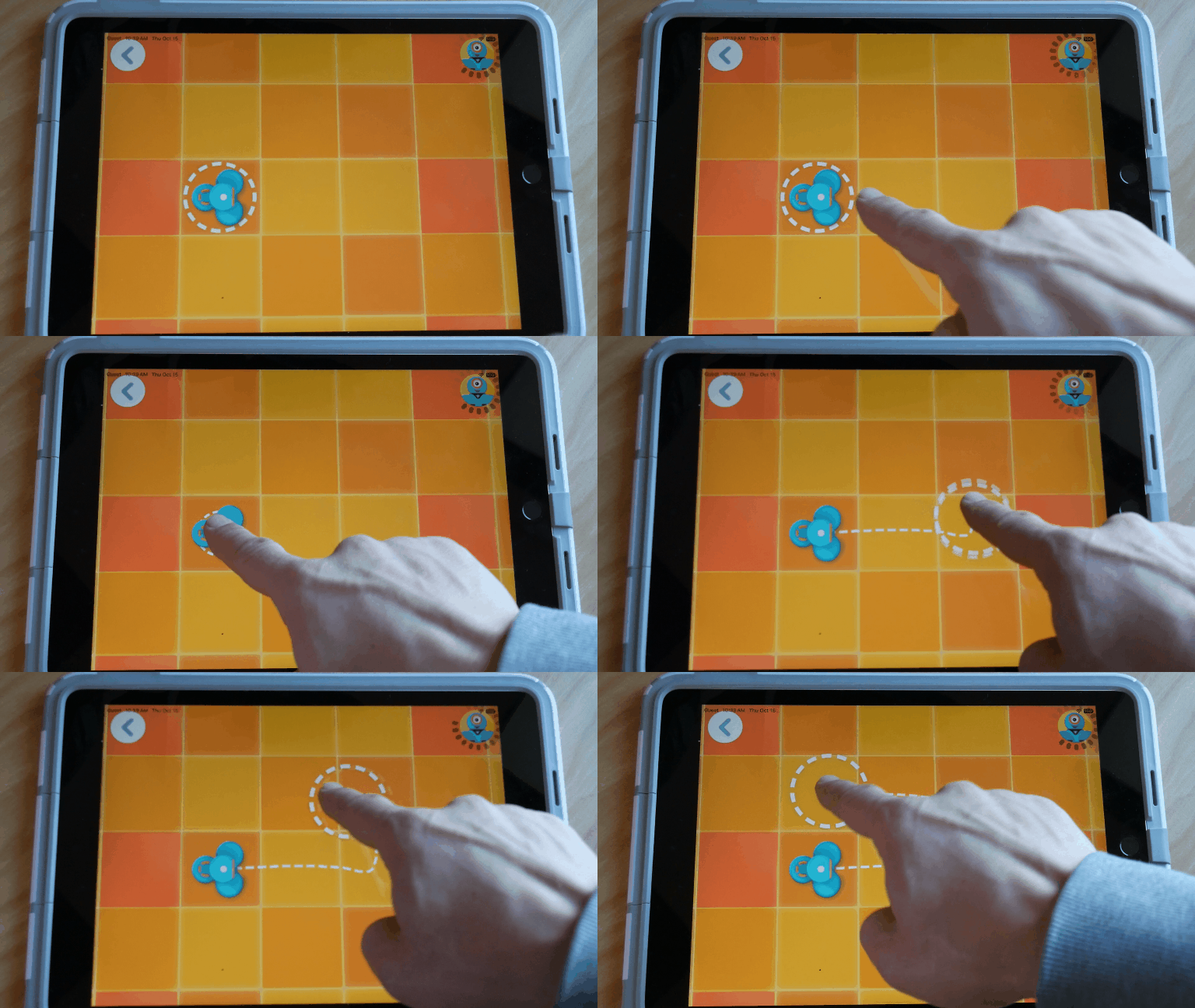
In the Path app drag the circle that surrounds the virtual Dash Robot to create a path